

How To Get W2 From Previous Employer
 By
By
To get a W-2 from an old job, contact your former employer's HR or payroll department and confirm your mailing address or electronic delivery. Employers must provide W-2s for the prior tax year by early February. If you cannot reach them, you can get IRS help or use your payroll provider's portal (ADP, Workday, Paychex). If your employer offers online delivery, here is how to get your W-2 online.
According to Forbes, there are many reasons why it's good to change jobs every three to five years. People who change jobs more often become very good at internal consulting skills and at branding themselves. However, before you get too excited about your new job, you need to understand how to access your W-2.
If you switched to a new job in the past year, your wage and tax statement is an essential document. It is particularly useful when it comes to filing your taxes.
It might sometimes be a struggle to get a W-2 from your employer. However, since the form is necessary, you can easily get a copy of W2 online for reference. This is especially important if you need it urgently.
This article explains how to get your W-2 from your previous employer. You’ll understand the steps to take and what to do when they refuse to give you your document.
Why Do You Need To Get a W-2 Form?
While getting ready for the tax season, you need your tax documents, especially your W-2. The Internal Revenue Service (IRS) requires employers to file a Form W-2, also known as the Wage and Tax Statement. The form is for each of their employees. This document will determine how much you owe. You'll also know whether to expect a tax refund later. What this simply means is that you can't do your taxes without a W-2(what happens if you don't file a W-2?).
However, it's not just about your earnings; your W-2 also explains your contributions to your retirement plan. It also tells you the amount your employer paid for your health insurance. This even includes the money you got in dependent care benefits.
A W-2 form contains several information you can find in it. These typically include your:
-
Personal details: This includes your name and address. It also includes your Social Security Number, which the Social Security Administration issues.
-
Company's EIN (Employer Identification Number)
-
Income information: Including Social Security and Medicare wages. It also includes the total income you earned from your previous employer.
-
Amount of federal, Social Security, and Medicare taxes withheld. How much tax you pay is usually determined by your total earnings.
-
State and local wages and income tax
-
Retirement plan contributions and private pension benefits
-
Dependent care benefits
-
Non-qualified deferred compensation
Steps on How to Get Your W-2 Form
Now that you know how important your W-2 form is, you need to ensure you receive it on time. A company is expected to send W-2s at the beginning of the year, usually before January 31st. Ultimately, it may get to you in the first week of February. For tax year 2025, employers had to provide W-2s by February 2, 2026, because January 31 fell on a weekend.
1. Check with the Payroll Department
You can get your W-2 by calling or sending a mail to the payroll administrator of your previous company. It's almost like asking for access to your pay stubs. While you do so, make sure you don't send it to an incorrect mailing address. After you have sent the mail, don't forget to follow up with it. This helps in case you need to request a replacement later.
2. Contact the IRS
If your previous employer isn't answering your calls or responding to the mail you sent, you can contact the IRS directly. To make it easier for the Internal Revenue Service (IRS), give them the Employer Identification Number of your previous company. You can also provide your necessary information, such as your contact details or Social Security Number. The IRS will then send a reminder notice to your previous employer. It's always important to file your taxes when required. If you still have not received the form by the end of February, call the IRS at 800-829-1040 with your contact details, dates of employment, and the employer's name, address, and EIN if you know it. The IRS will contact the employer for you and send you Form 4852.
3. File With Form 4852 if It Never Arrives
If the W-2 never arrives, you can still file your return on time by attaching Form 4852 as a substitute. Use your final pay stub from that job to estimate your wages and the taxes withheld for the year.
4. Amend With Form 1040-X if the W-2 Later Differs
If the real W-2 arrives later and the amounts differ from what you filed, correct your return with Form 1040-X. Alternatively, a Wage and Income Transcript from your IRS individual online account shows your W-2 data once the IRS processes employer filings.
What Should You Do If Your Former Employer Refuses to Give You Your W-2 Form?
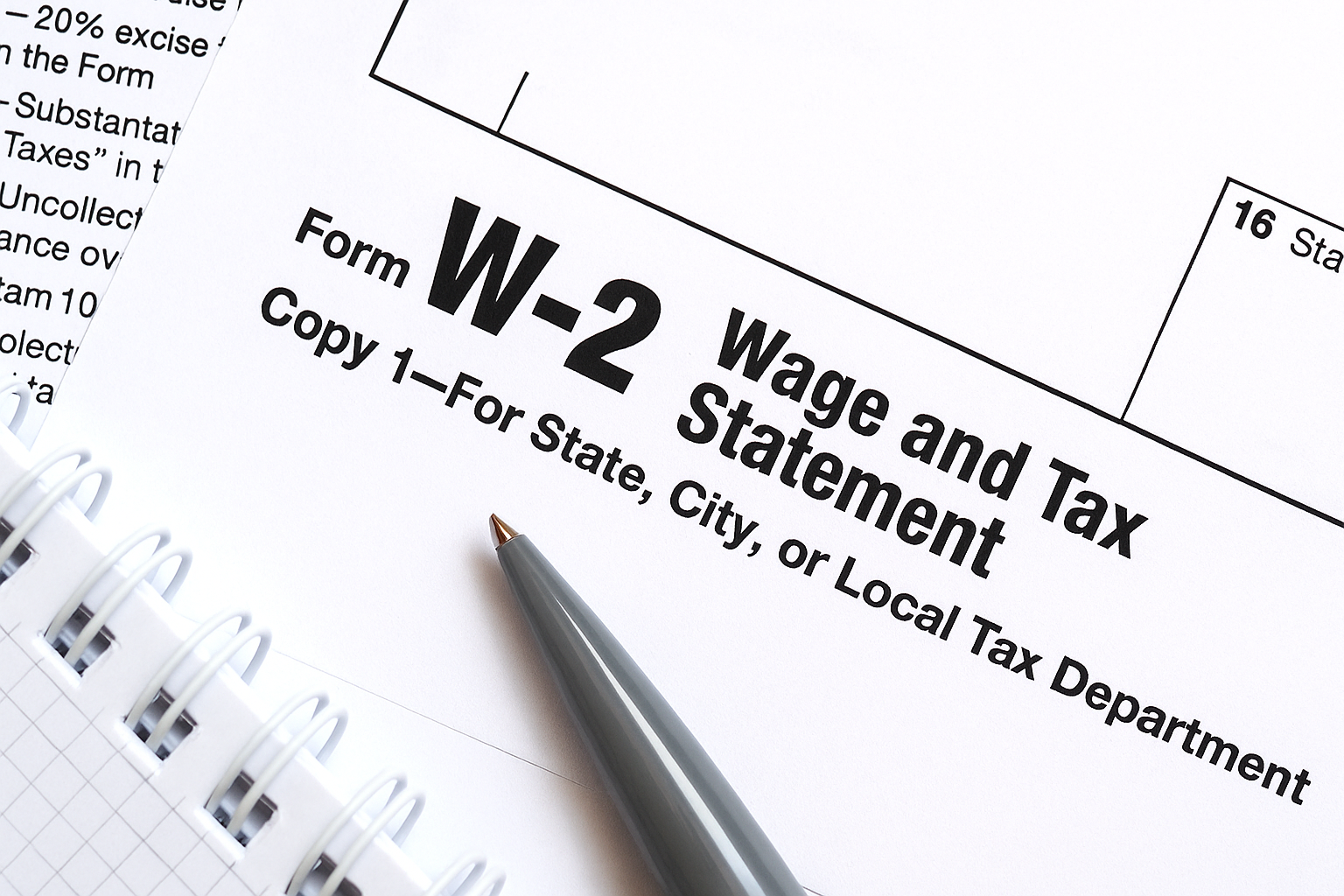
If you still haven't received your W-2 form after following the steps, it doesn't mean you can't file your taxes. The IRS requires you to file your taxes. Therefore, there are other alternatives you can use to access and file them.
The first alternative is for you to request an extension. To do this, you have to submit a Form 4868. This allows you to request an extension, giving you more time. There is usually a limited period of time for this, which is six months. However, it doesn't mean that you will still pay your tax fee. There are instructions on the IRS website for filing this form. You should also attach all the W-2s you receive in case you get multiple copies.
If your former employer's business no longer exists, submit Form 4852. It serves as a substitute for Form W-2. While submitting, you can make use of the information on your last pay stub. You can create a clear and professional pay stub with the 123 pay stub method. This process helps you download your accurate document with just 3 simple steps. Use it to estimate your earnings and withholdings and complete the 4852. After filing Form 4852, double-check that the amounts on both forms match.
Final Thoughts
The process of filing your taxes can be straightforward if you have your important documents and information ready and complete. To avoid errors and penalties involving your wage and income transcript (W-2), make sure that your details are correct. Update your address if you've moved since working with your former employer. Also, keep your documents safe and easily accessible.
Understanding how your pay stubs and W-2 tax statement works is necessary. This is why you need our online pay stub generator to create your complete pay documents instantly. Also, you can create your wage and tax statement with our W-2 generator. It's a simple platform to do the job for you. Get started with us!
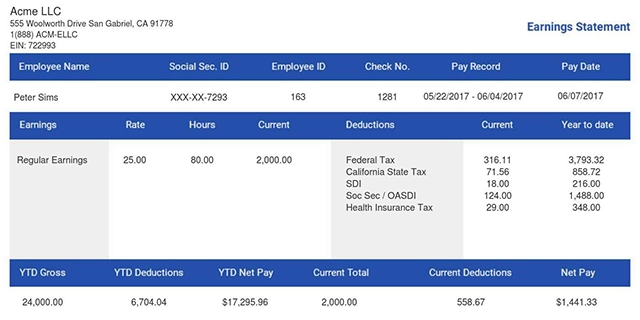
- 1. Enter Your Information

- 2. Select Your Favorite Theme

- 3. Download Your Stub!

 By
By